See how StayTonight works
A camping journal that fills itself in from what you already have, plus the tools you reach for on the road. Here is every part, one screen at a time.
1 · Your journal
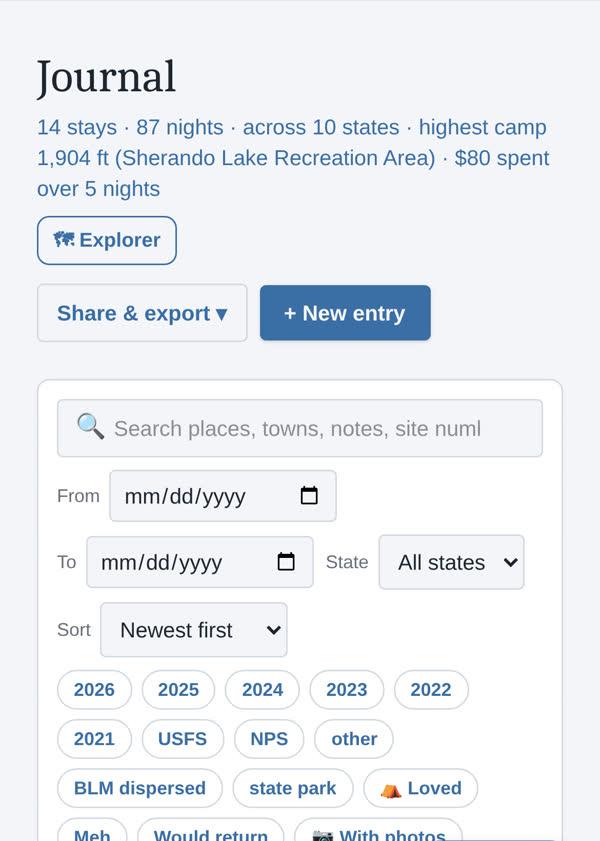
Every night you camp, in one place
Each stay gets its own page with the dates, the site, photos, notes and what it cost. Your totals add up as you go: nights, states and money spent.
2 · Bookings
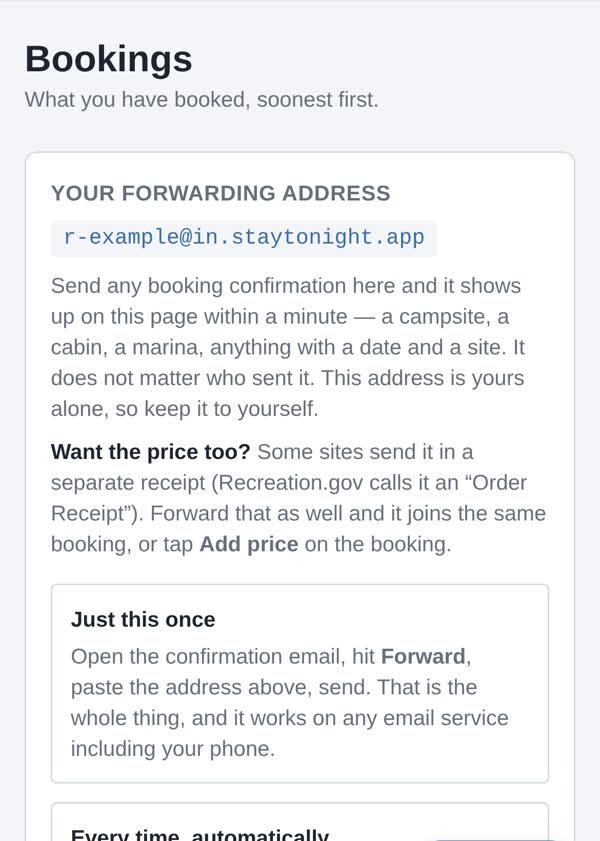
Forward a booking email. That’s it.Premium
Send a campsite confirmation to your private address and it is read and filed on your Bookings page within a minute. Recreation.gov, state parks, KOA, Hipcamp and most booking sites work.
3 · Find a spot
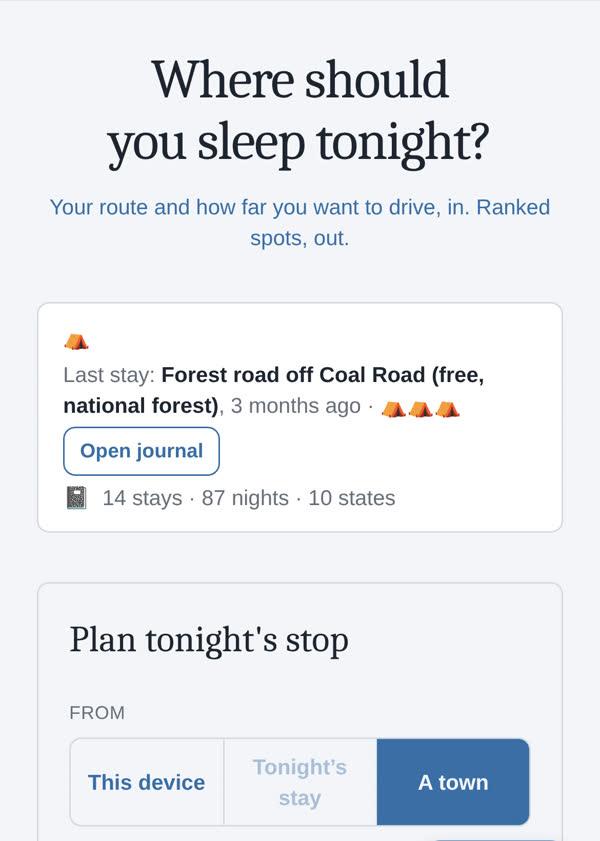
Where should you sleep tonight?Premium
Give it your route or how far you want to drive. You get the best places in reach, ranked for your rig, with weather and cell coverage for each.
4 · Explorer
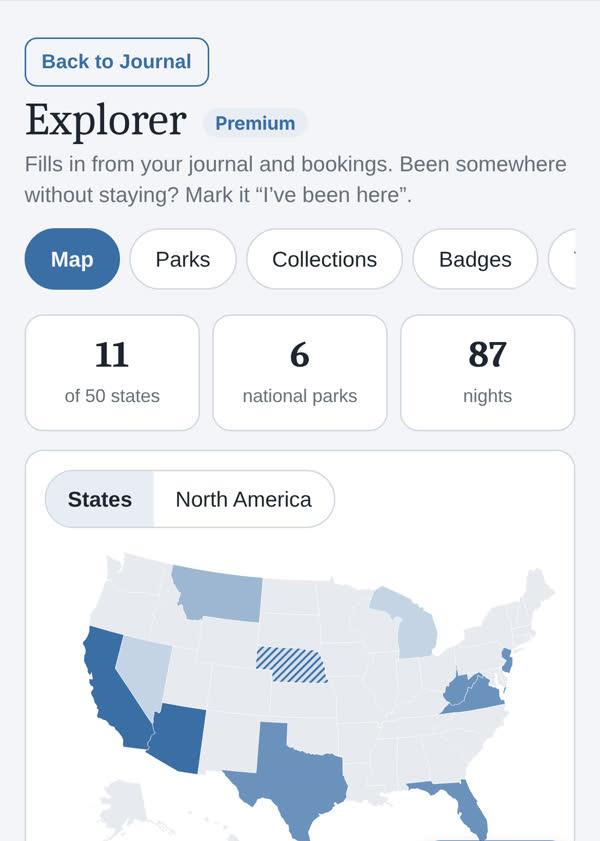
Watch your map fill inPremium
States, national parks and badges fill in from your journal. Been somewhere without staying? Mark it “I’ve been here”.
5 · Fuel log
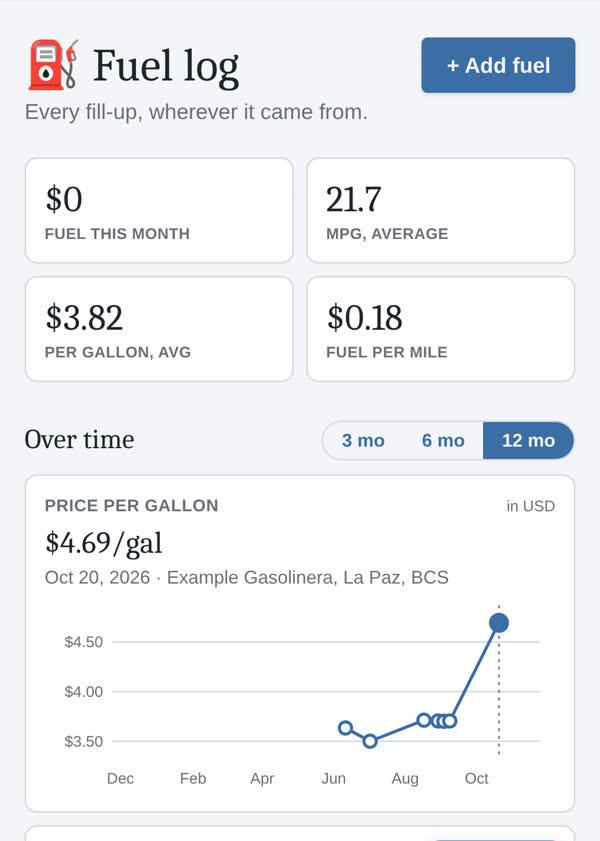
Every fill-up, and your real MPG
Type in a fill-up and see price per gallon, fuel per mile and MPG over time. With Premium, snap the receipt or the pump and it is filled in for you.
6 · Memberships
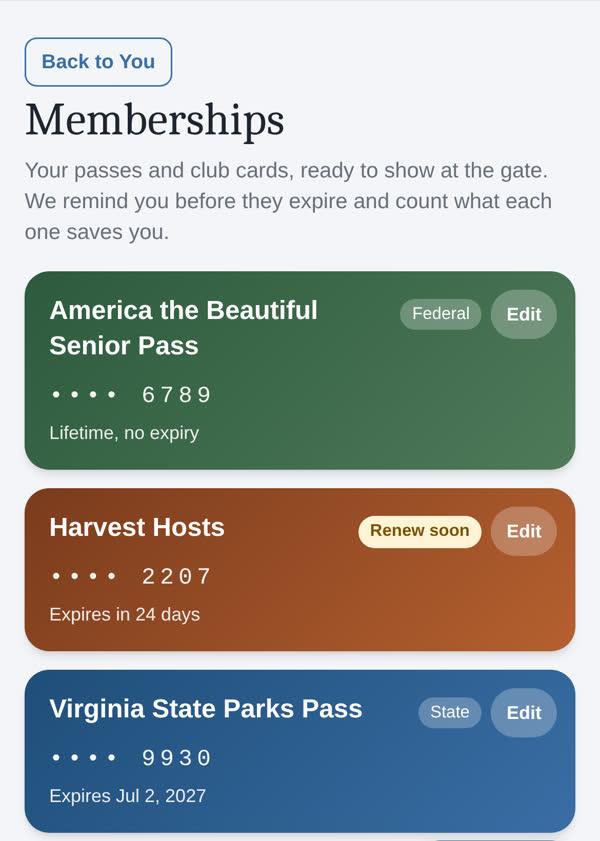
Your passes, ready at the gatePremium
Keep your Senior Pass, Harvest Hosts, state park and club cards on your phone. You get a reminder before each one expires.
7 · Tools
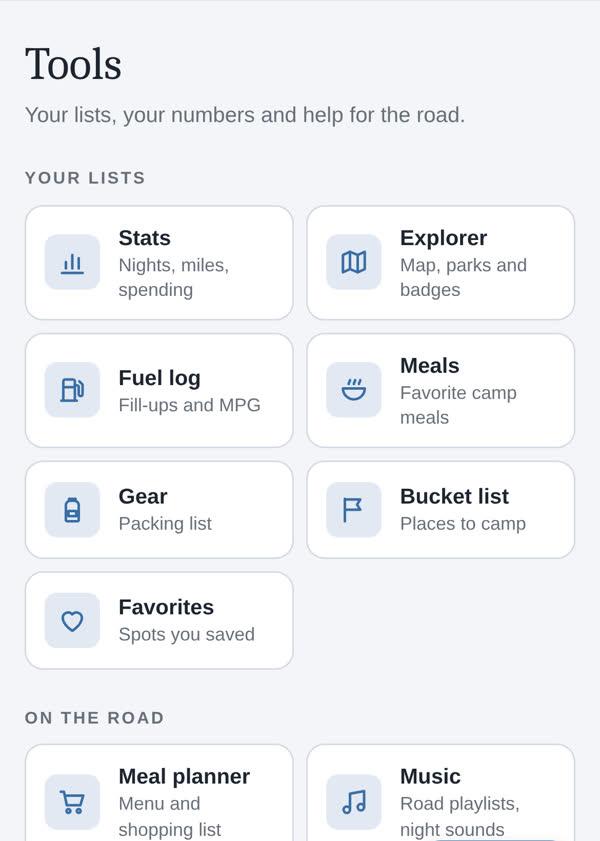
Everything else for the road
Stats, meals and a shopping list, a packing list, a bucket list, saved spots, road music and fuel prices, all in one tab.
8 · No signal? No problem
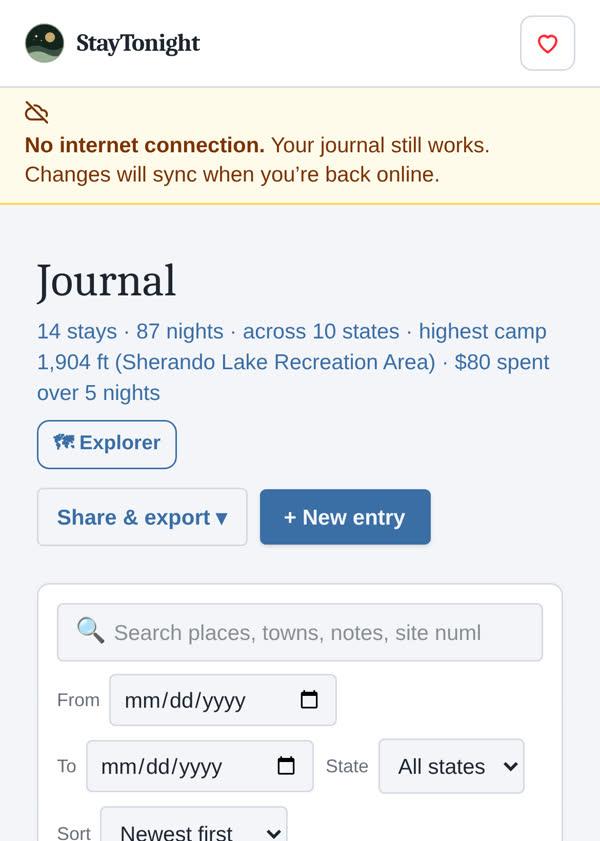
Works where the cell bars don’t
Your journal opens with no signal. Add a stay, a fill-up or photos out in the woods and they upload when you are back in range.
9 · Phone, tablet or computer
Put it on your home screen
No app store needed. Open staytonight.app on your phone, then choose Add to Home Screen (on iPhone, it is in the Share menu). It gets its own icon and opens full screen, like any other app.
Your journal is free.
Premium does the work for you.
No card needed to start.